

Scholé Learn Anywhere Mode
Get your hands dirty

Walk away from a lesson with a real, tangible artifact of your own: the notebook, the pivot table, the automation. Built in your own account, on your own data, checked by Olé, and still yours after the lesson ends.



Free, and no account needed to start.

Scholé for Chrome
Learn anywhere on the web.
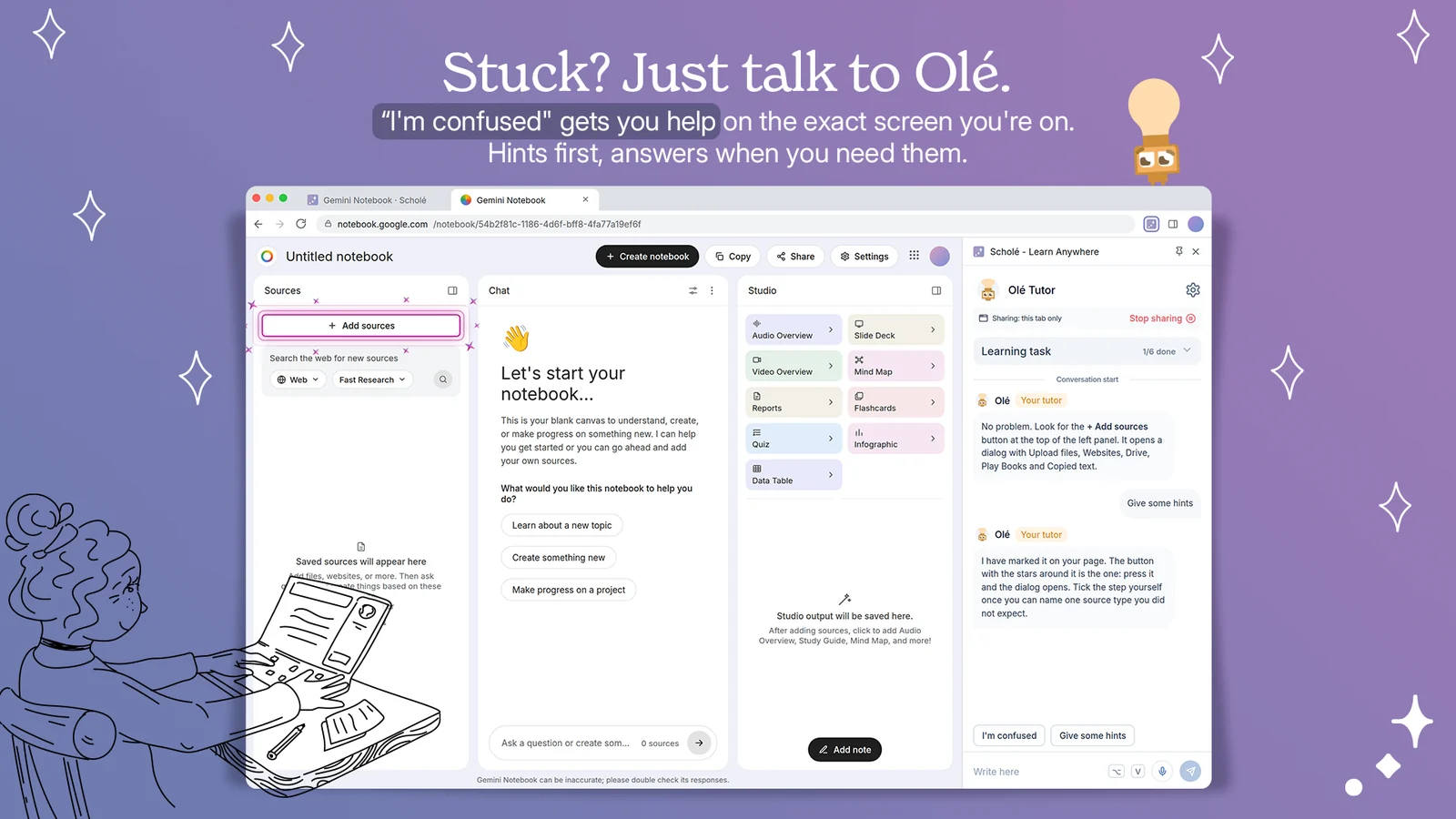
Olé rides along in a side panel, hands you a real task, and teaches you while you do it.
- Step-by-step tasks
- Real-time guidance
- Voice chat
- 4 languages
Free. Chrome, Edge, Brave, Firefox.
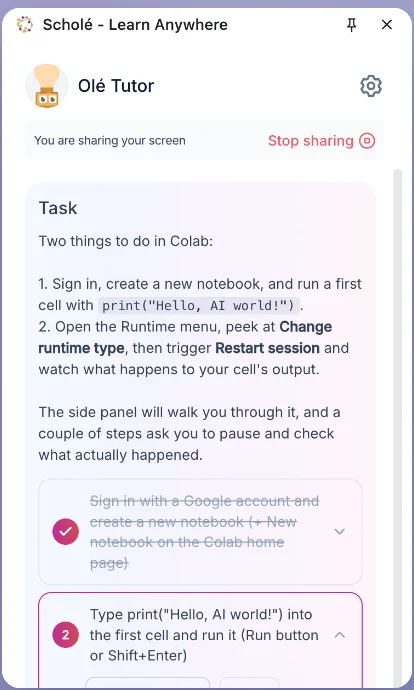
We never record or store your screen. Frames are used in the moment to work out what to say next, and are never written to storage. What we keep is the text: your task progress, what Olé told you, and the page each piece of guidance was given on.
Watch Learn Anywhere with Scholé on YouTube. Under two minutes of the panel doing the work.
Hands-on, step by step
Real tasks in real tools. No simulations, no videos.
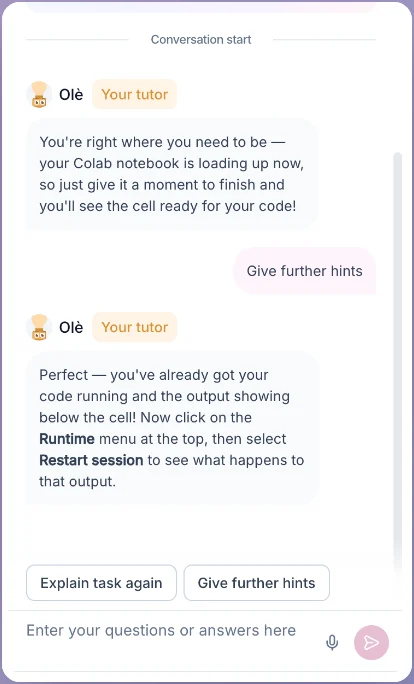
A patient tutor
Stuck is a button. Ask for a hint as many times as you need.
You stay in control
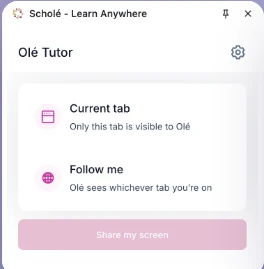
Read-only, one tab at a time, and one click to stop.
Questions
No. Frames are used in the moment to work out what to say next, and are never written to storage, on your machine or ours. What we keep is text: your task and its steps, whether you finished them, the messages between you and Olé, and the address and title of the page each piece of guidance was given on.
One tab, read-only, while the side panel is open. Olé watches the tab you opened it on, or follows you between tabs if you ask it to, and stops the moment you close the panel or switch sharing off. It never reads tabs you have not pointed it at, and password, card, and one-time-code fields are stripped before anything leaves the page.
A lesson hands you a real task, the extension opens it in the tool it belongs in, and Olé walks you through it from the side panel and checks what you built.
Chrome, Edge, Brave, and any other Chromium browser, plus Firefox. Olé speaks English, French, German, and Italian, by voice or by typing.
Yes, a Scholé account, and the free plan is enough. Sign in from the extension, or paste a pairing code the lesson gives you.